

Stashing an old smartphone in a drawer ‘just in case’ can cause some pretty serious problems. As the pros say, if you leave your device totally drained for a long time, it’ll speed up the wear and tear on the lithium-ion battery. The main risk is that, because of the chemical processes going on inside, gas starts to build up in the battery, which makes it swell up. You can’t use these devices, sorry. If you want to store your old phone the right way, the experts say you should charge it to around 50%, switch it off completely and put it somewhere cool and dry. It’s also a good idea to recharge the device every few months to stop it from losing too much charge. If the model has a removable battery, it’s best to remove it and store it separately.
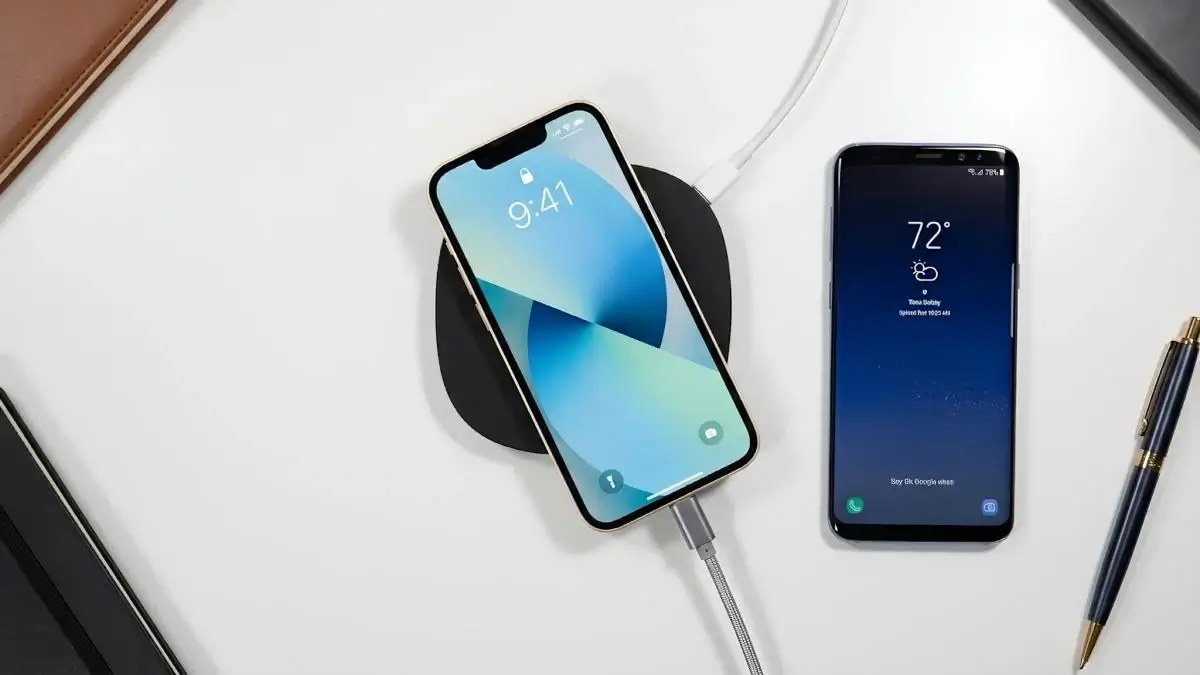
A lot of people who have a smartphone have thought about this at some point: what happens if you plug your phone into a USB-C cable and then put it on a wireless charger at the same time? At first, it looks like this should double the charging speed, but in practice, things work differently. So, BGR experts have explained that most smartphones these days will only ever choose to use one power source – the wired one. The device’s power system will disable the wireless coil, even if the phone is resting on the charging station.
This is to stop problems with power sources and to reduce the risk of overheating.
Basically, the phone can’t get power from both the cable and the wireless station at the same time. Most of the time, wired charging is the go-to because it’s faster, more stable and more efficient.
Experts also say that using both methods at once can lead to the battery overheating. Wired and wireless charging both generate heat, and overheating is one of the main reasons for battery wear and tear. That’s exactly why manufacturers restrict the ability to charge in parallel programmatically.
And even if you could set it up, it wouldn’t really work in practice. The phone wouldn’t charge any faster than with a cable, and the extra heat would probably make things worse.
What’s the point of wireless charging?
At first, wireless chargers might seem like overkill: they don’t speed up charging if your phone is already hooked up with a cable, so what’s the point? But actually, there are some real benefits to using a combination of a cable and wireless charging.
The authors point out that you can charge several devices at once using a USB cable and a wireless charging station. Wireless charging stations are usually quite bulky, so they help reduce the clutter of cables on your desk.
It’s great that chargers like the Anker MagGo Wireless MagSafe Charging Station let you power and fully charge a bunch of devices at once, using just one socket. This can be useful when there aren’t many sockets available or when you don’t want to use extension leads and power strips.
At the end of the day, users get to set things up however they want: you can plug in the devices that need charging faster with a cable, and the rest can just be placed on the wireless charger. This approach won’t speed up the charging of a single smartphone, but it does make the process of charging multiple gadgets more organised and convenient.