
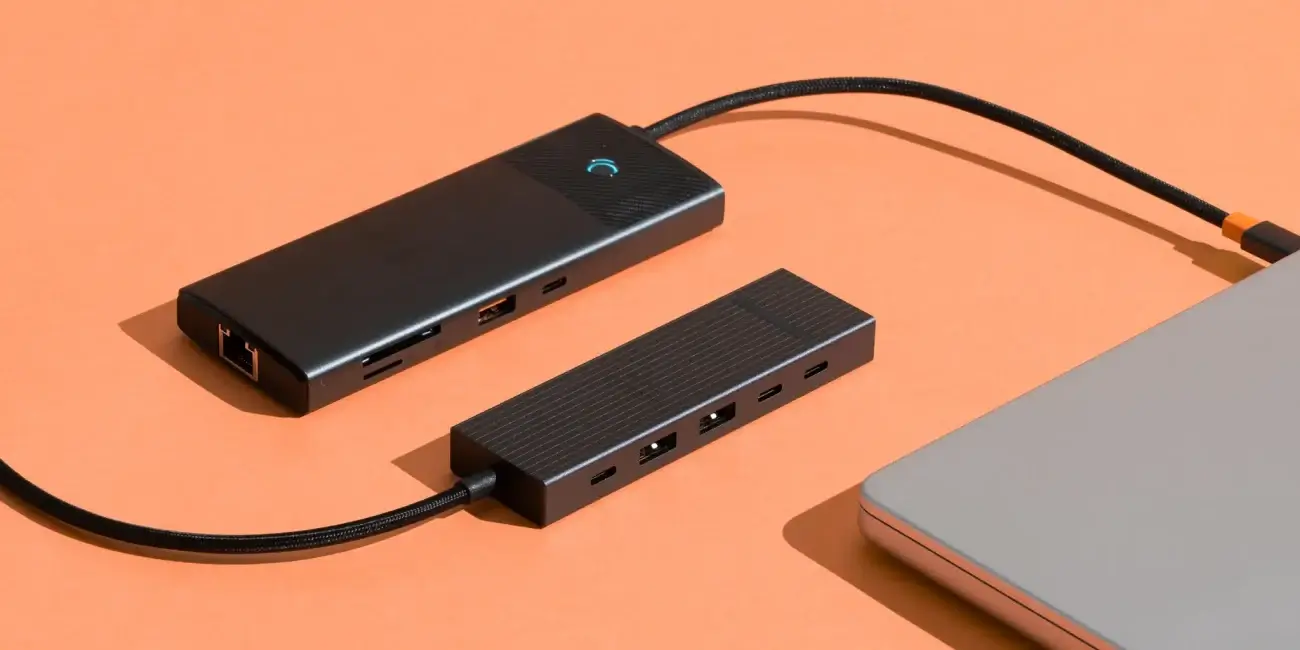

USB hubs are a great way to add more ports to your PC or laptop, but experts say that some devices need to be connected directly because of power shortages or bandwidth limits. This list includes smartphones, which stop charging quickly when connected via hubs, and external hard drives (HDDs), which can permanently damage your data because they don’t have enough power. A direct port is also essential for high-bandwidth devices (like external SSDs and webcams) to avoid system ‘bottlenecks’, and for modern high-speed USB4/Thunderbolt gadgets, whose potential is limited by older hub boards. We really don’t recommend connecting hubs in series, one after the other. This can make the signal latency much higher, which can mess up the normal operation of mice, keyboards and audio systems.
USB hubs have been a must-have for laptops and PCs for a while. They help to add more ports, which is really useful on slim devices where there’s not much space. But, having said that, these kinds of solutions can cause problems if you connect incompatible devices to them.
SlashGear‘s experts say that not all devices are equally safe to use with a USB hub. Sometimes, this can lead to performance issues, unstable operation, overheating and even damage to the equipment. Here are five types of devices you should think twice about before connecting to a USB hub.
Smartphones
Most smartphones these days use fast charging via a USB-C port using the Power Delivery (PD) standard. But USB hubs, especially ones that aren’t hooked up to an external power source, can’t provide the power needed for fast charging. This can make the phone charge way slower or even stop charging altogether.
If you do need to charge your phone using a USB hub, make sure it’s an active hub or dock with enough power to do the job. These models are usually connected to a mains socket, either via a built-in power cable or a separate power supply unit.
Hard drives
Portable HDDs need a steady power supply for the spinning parts to work properly. If you’re struggling with a weak USB hub, you might notice things like malfunctions, reduced performance and even data corruption.
If your hard drive makes a clicking noise, that’s your signal to disconnect it straight away from the USB hub. Even if the drive keeps working, it might not last as long.
High-bandwidth devices
USB hubs won’t increase the available bandwidth. All the devices that are hooked up share one data transfer channel, which can create a ‘bottleneck’ that slows down all the gadgets that are connected.
If you’re using a bunch of demanding devices at once, like an external SSD and a webcam, you’re probably going to see delays, slower file transfers, and poorer video stream quality.
Daisy-chaining USB hubs
It might seem like a great idea to connect one USB hub to another to increase the number of ports, but it’s not such a good idea when you actually try it. Firstly, you’re limiting the available bandwidth, as I said before.
Also, the more devices you add to a chain, the more time it takes for an action to be responded to. This is really important when you’re hooking up things like keyboards, mice or audio equipment, because even a tiny delay can make a big difference to how the user experience.
USB4 devices
USB4 and modern data transfer standards can achieve very high speeds and power delivery. But most USB hubs only support USB 3.x or earlier versions.
Even if you connect a USB4 device to a hub, it’ll still run slower. You’ll get the most out of it if you connect it directly to a compatible port or a docking station that supports USB4 or Thunderbolt.